

Getting Started
get set up with
sportsense.
The one-time setup, as simple as it gets: put the app on your phone, create a feed, and add your athletes. Ten minutes, and after that video and feedback move between you and your athletes in one place.
First-Time Setup
Getting
Getting
Set Up.
New to sportsense? A feed is a private group where video and feedback move between a coach and their athletes, so nothing you film ends up scattered across a camera roll. Once it is done, you are ready to capture, review, and share.
1.1
Download & Sign Up
- Download sportsense from the App Store (iOS) or Google Play (Android) using the buttons below.
- Open the app and tap Sign Up.
- Enter your name, email address, and a password.
- Verify your email if prompted, then log in.
1.2
Create a Feed
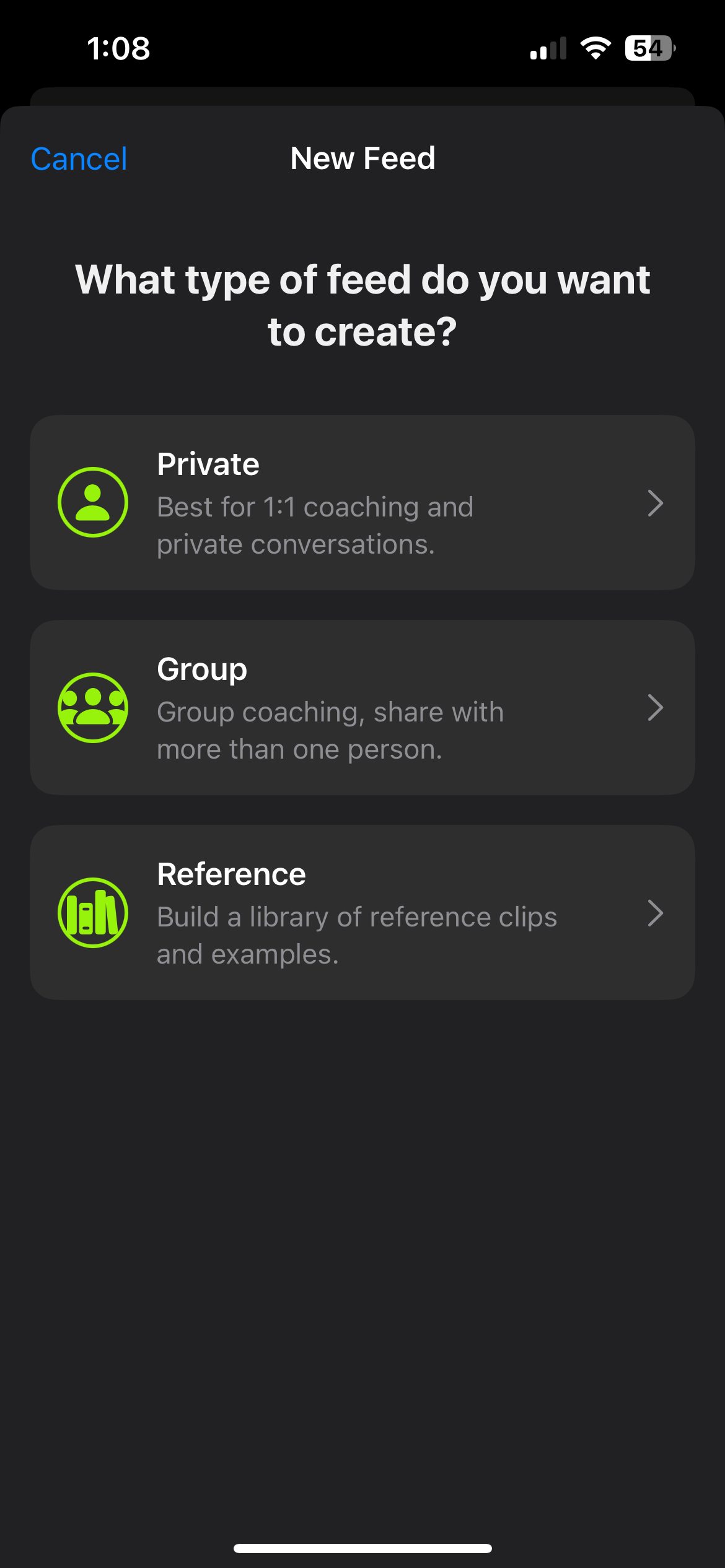
- Tap the Share tab at the bottom of the app (the rightmost icon).
- Tap the + button in the top right corner to create a new feed.
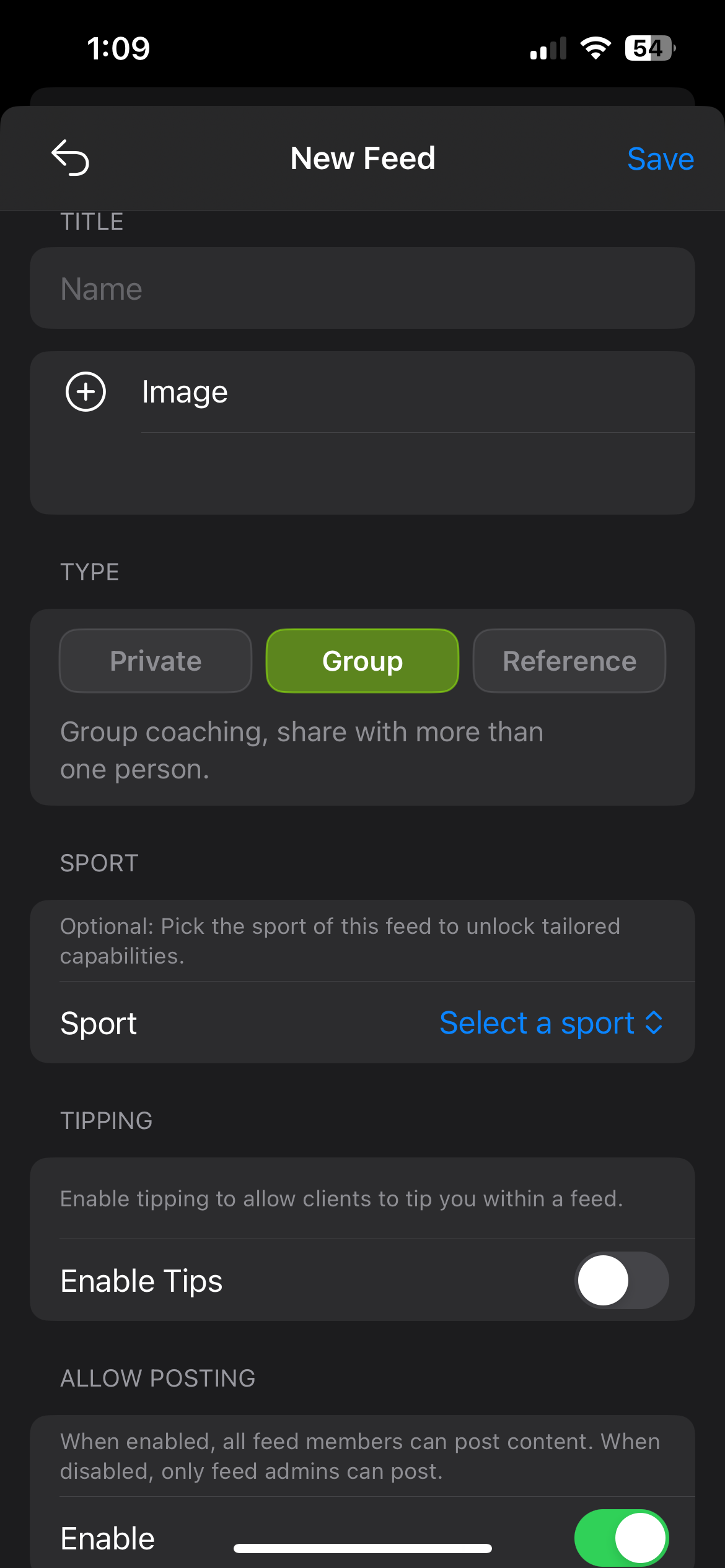
- Give the feed a name.
- Optionally add a cover image, and set the sport so everything posted to the feed carries that tag without anyone adding it.
- Tap Create.
Naming feeds: include the group, the location, and the date, so any coach can find the feed at a glance. For example, U16 Skills Group, Calgary, 10 Aug 2026.
One feed per squad or per athlete both work. Squad feeds suit camps and training blocks where everyone benefits from seeing the same feedback, and individual feeds suit athletes you are tracking through a season.

1.3
Add Your Athletes
If they already have the app:
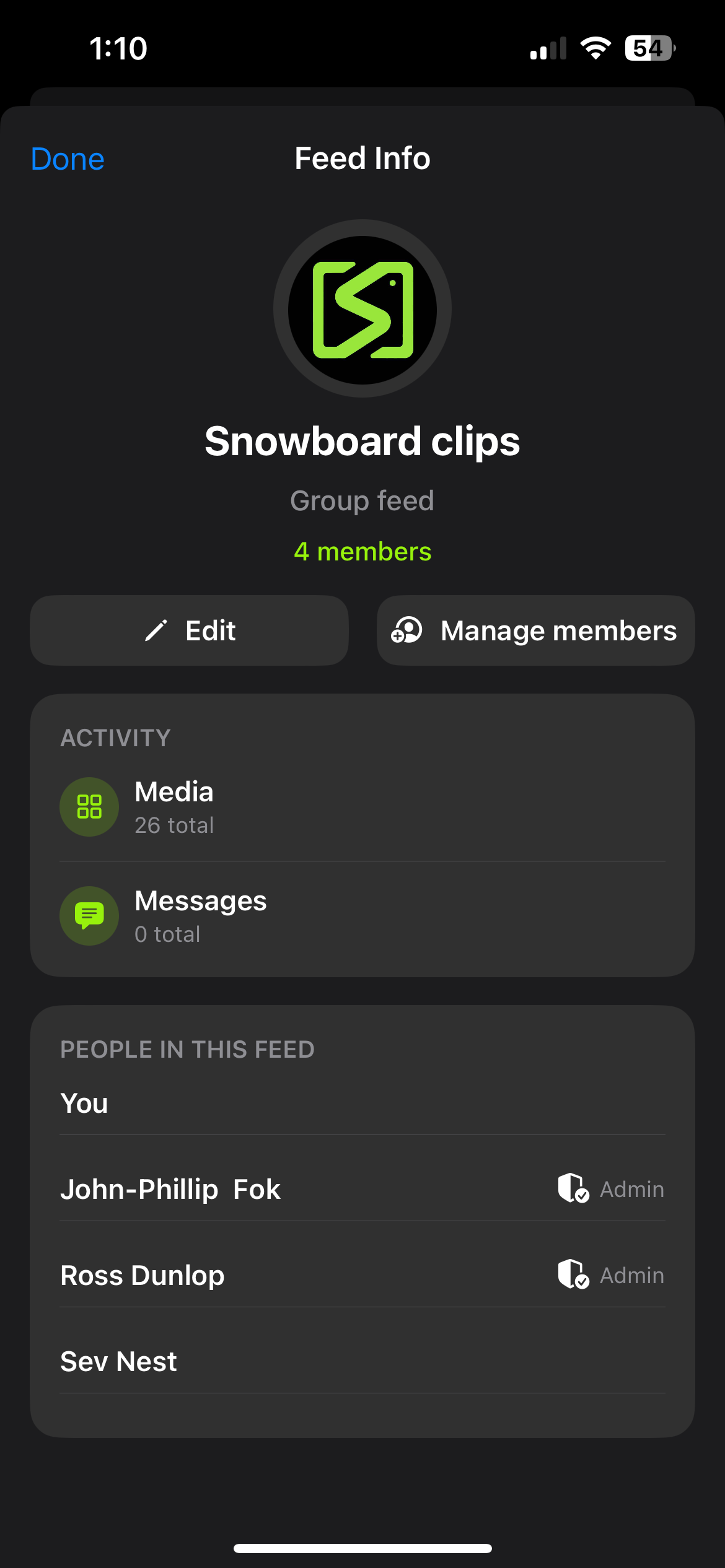
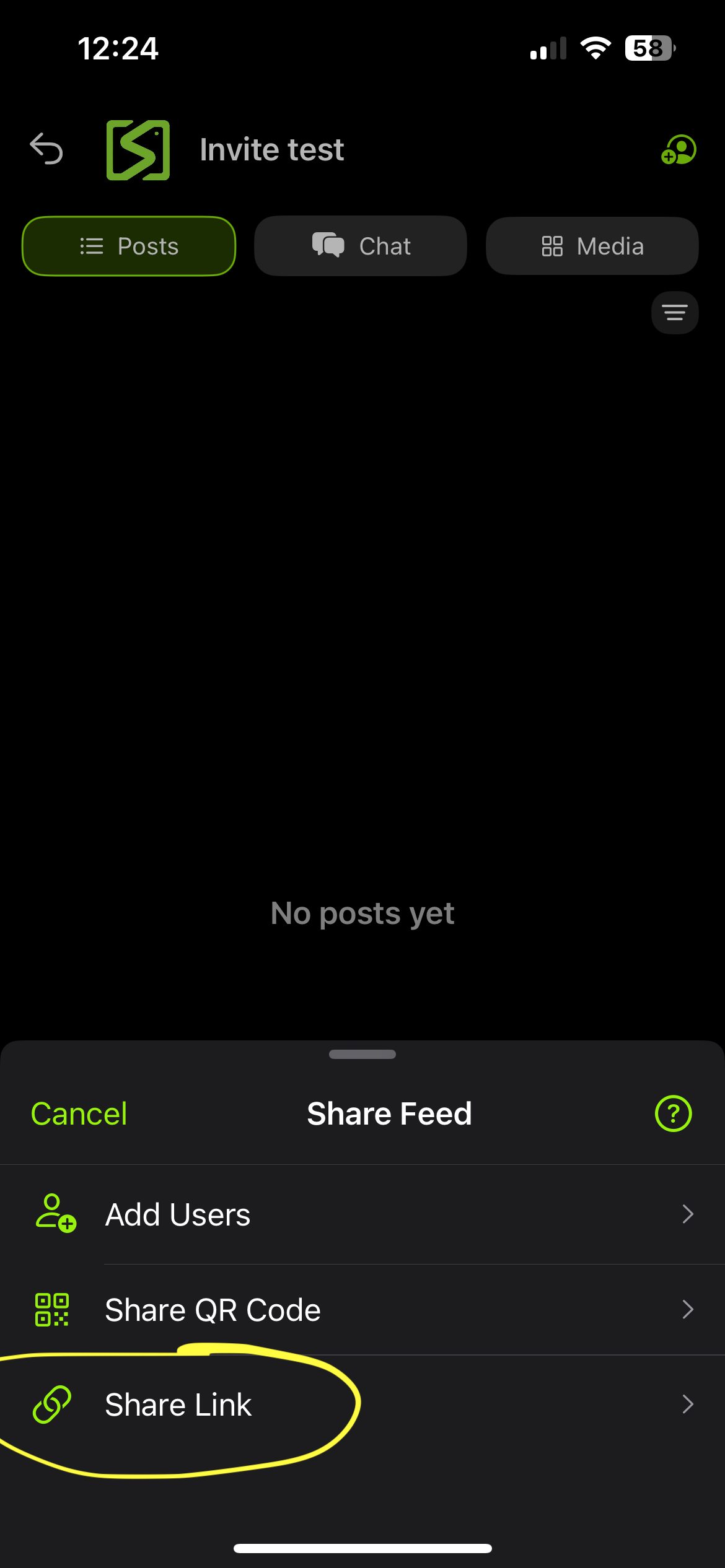
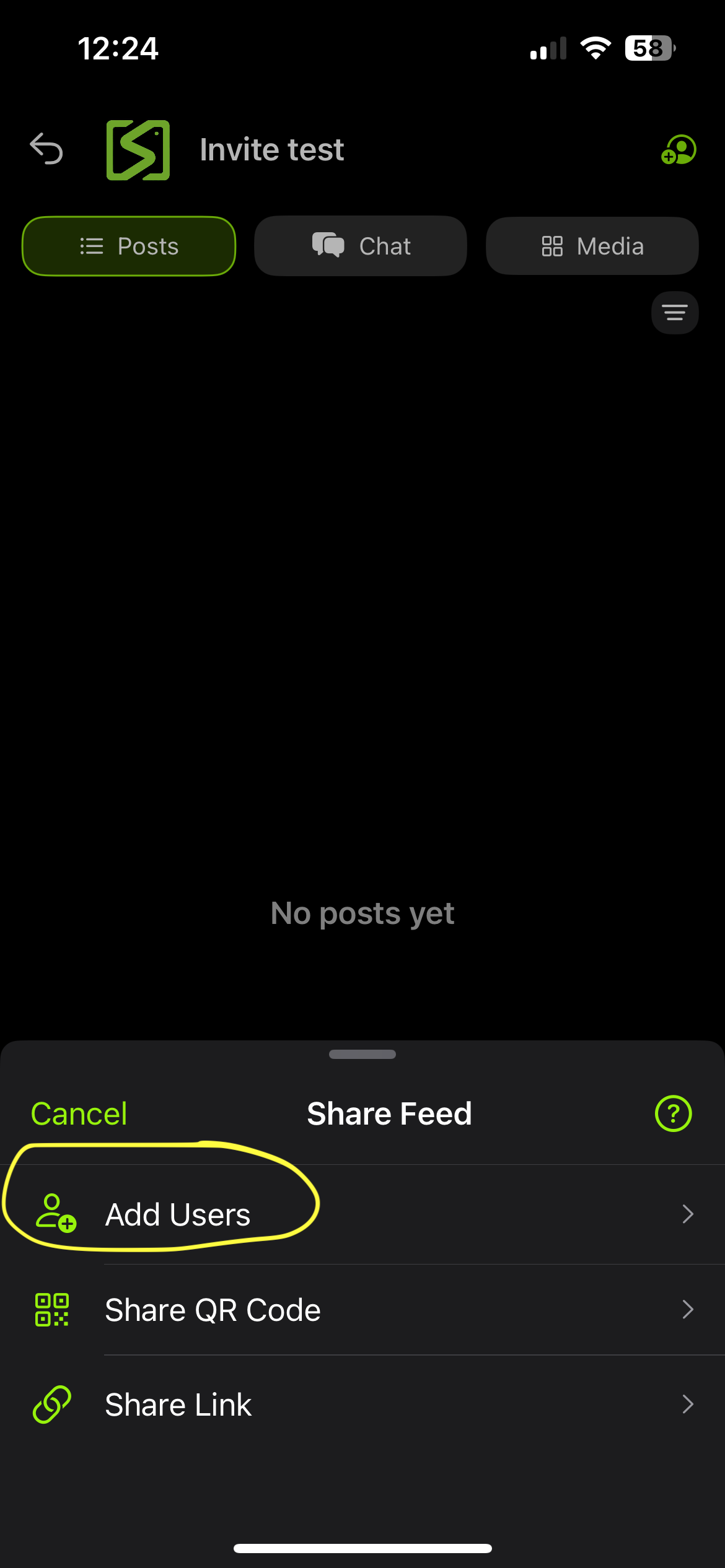
- Open the feed and tap the feed title at the top to open feed settings.
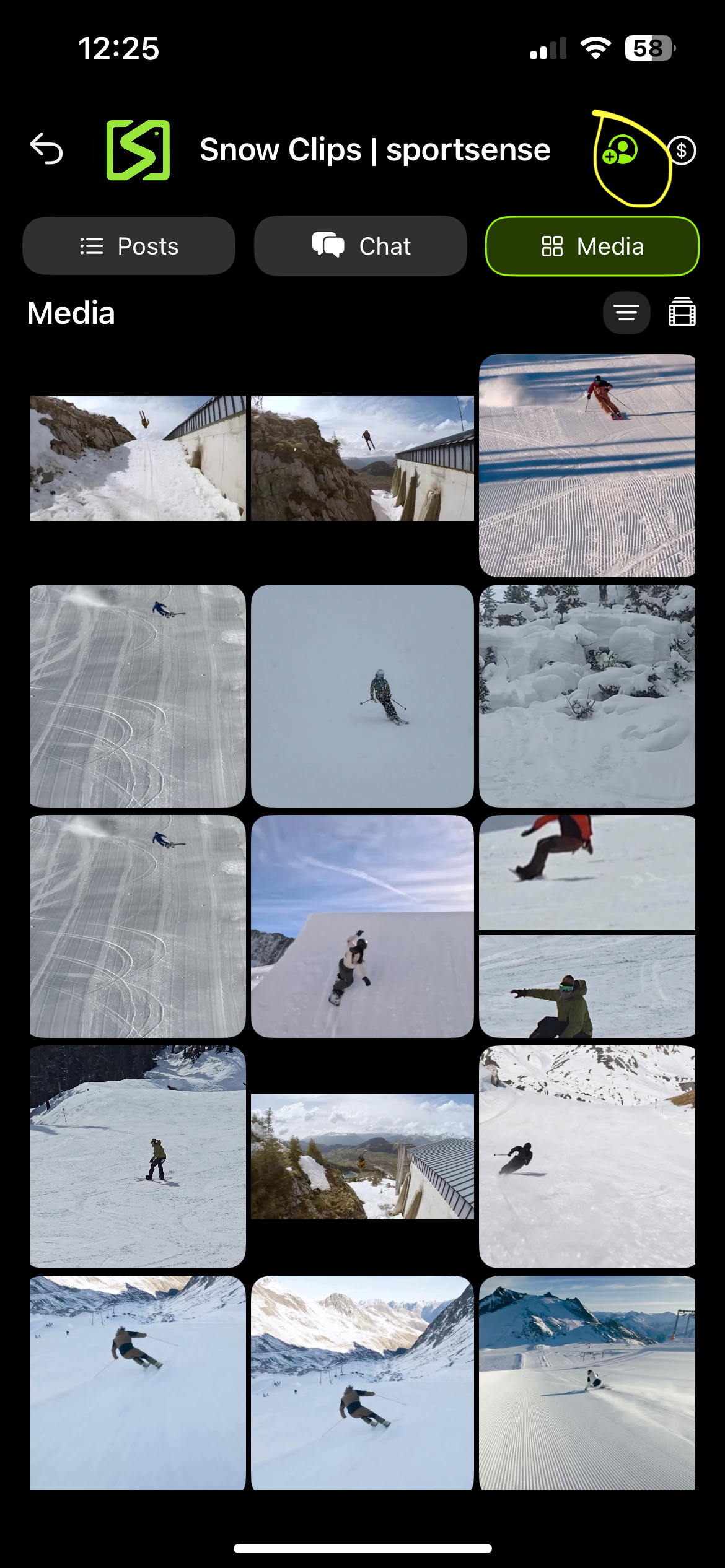
- Tap Invite or Add Member.
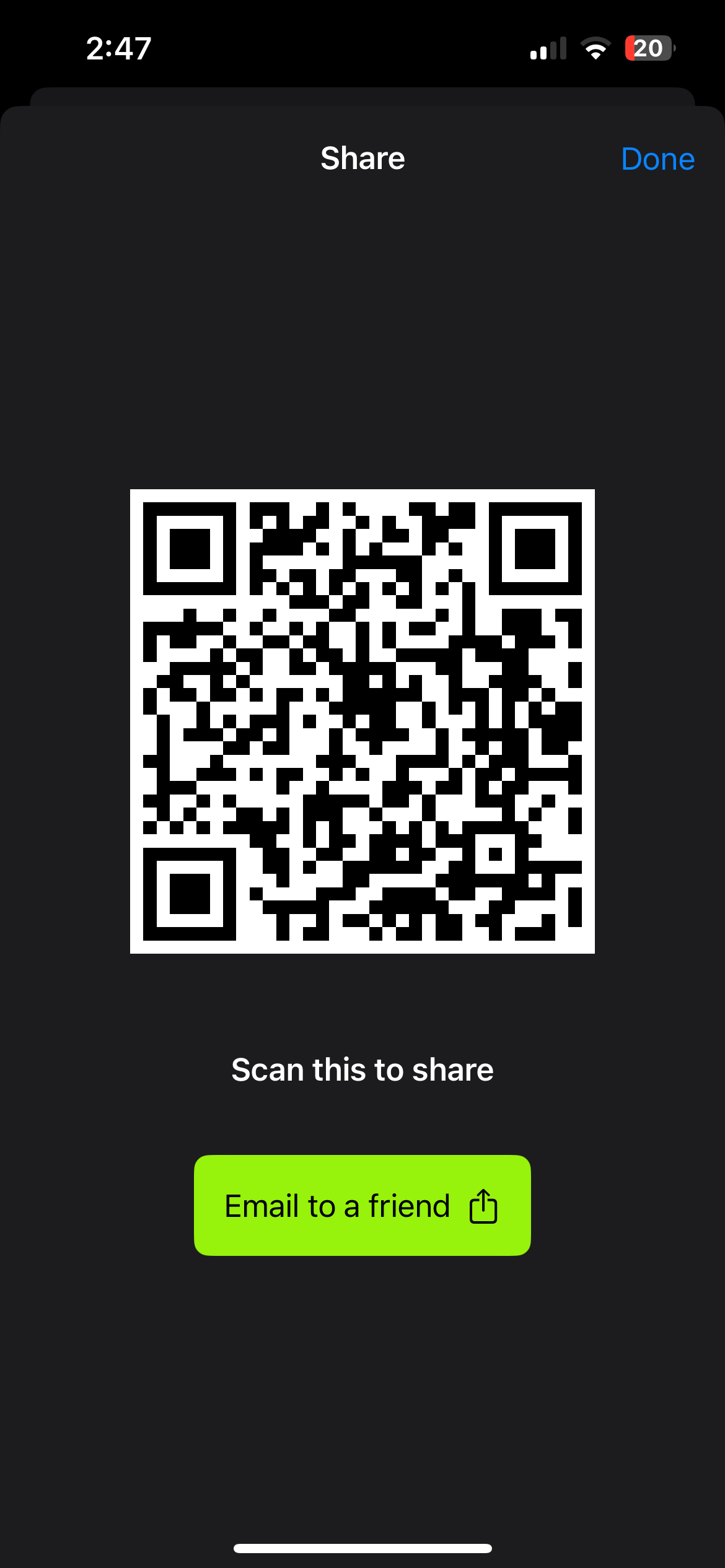
- Show the QR code and let them scan it to join instantly, or copy the invite link and send it.
If they have not downloaded it yet:
- Open feed settings and tap Invite or Add Member.
- Select the email option.
- Enter their email address and send the invite, and they will get a link to download the app and join the feed.
Fastest way to fill a feed: send the invite link ahead of the session so athletes arrive already in, and have the QR code up at the session for anyone who still needs to join. sportsense is free for athletes to download and view their feeds.
Free to Start